





School Facilities
01 — FACILITIES
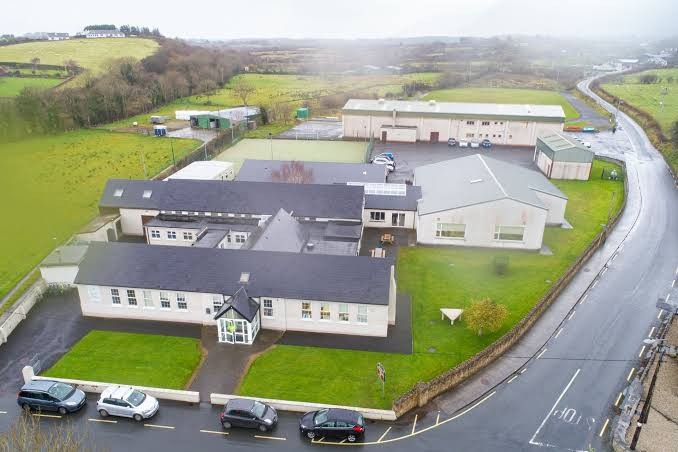
At Grange Post Primary School, we are committed to providing a modern, well-resourced learning environment. Our facilities are continually updated to support the best possible educational experience for every student.
Modern fully equipped Art/Craft Room
Two Computer Rooms catering for classes of 30 students
Several laptop trolleys available for classroom use
Interactive Promethean screens for teaching and learning
All teachers provided with touch screen laptops
Office 365 available to all students
Updated wireless broadband with access in every room
Concourse Area and Canteen
State of the art Engineering Room with innovative technology
Two 3D Printers
TYRO School App
02 — COMMUNICATION

Our integrated school management & communication platform
Grange PPS uses TYRO to keep parents and guardians informed and connected with school life. Incoming First Year families receive an email invitation with activation instructions before the school year begins.
- Receive school communications and notifications
- View their child’s timetable
- Submit absence requests
- Make school payments
- Access important student information
School Extension
04 — DEVELOPMENT
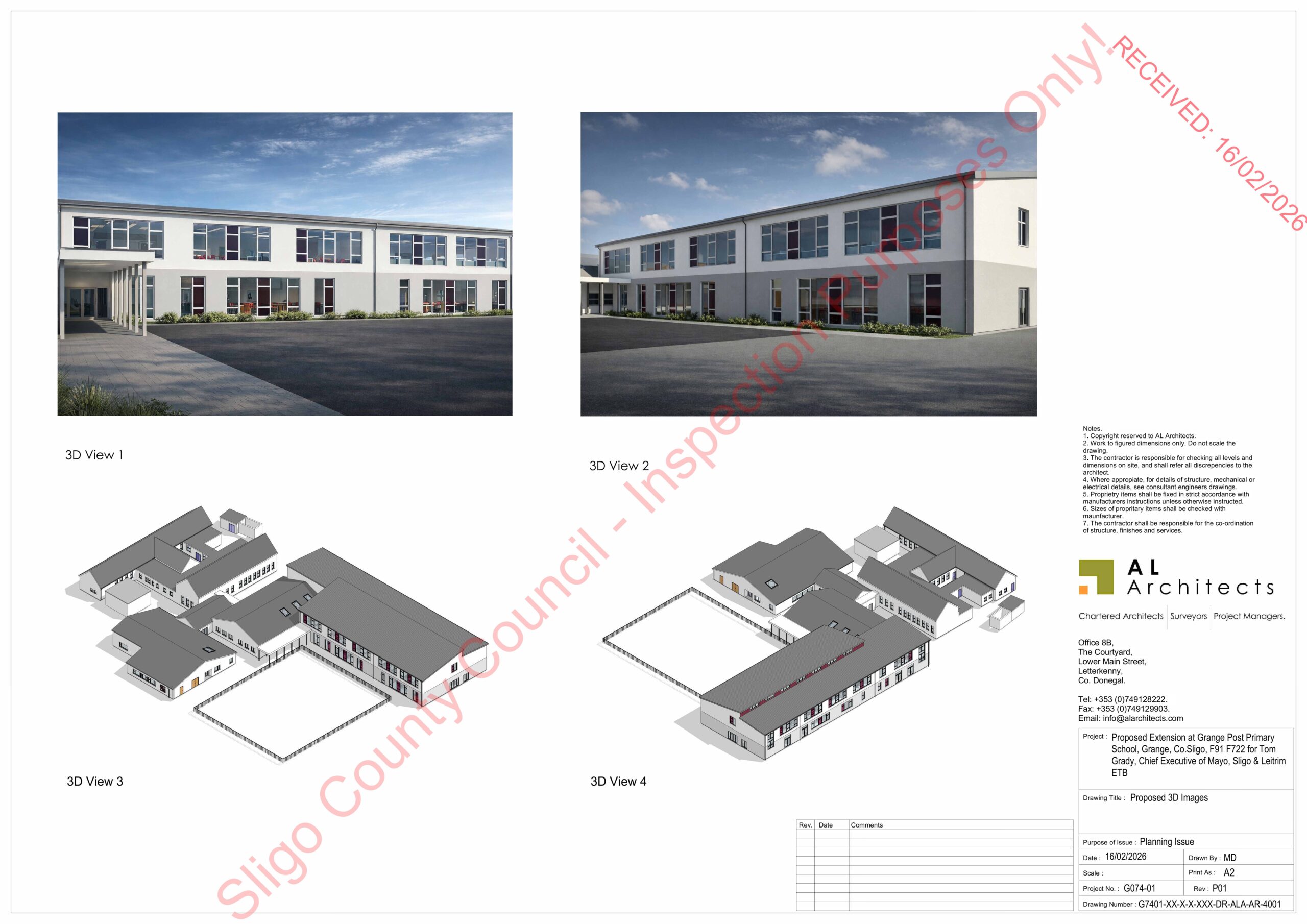
A new school extension has been submitted for planning permission. This development will provide additional facilities and enhanced learning spaces for our growing school community.
School Lunches: Food Village
05 — CATERING

Cashless school lunch ordering
Grange PPS uses Food Village for school lunches. Students and parents can order through the app — entirely optional, students may always bring their own lunch.
- Download the Food Village app
- Select “Education”
- Choose “I am Student”
- Enter school code GPPS
- Order via the app; collect using your Food Village keytag
- Keytags distributed to First Years during Week 1 — fully cashless
- Link to your child’s account, add credit and set daily spending limits
- View orders and full order history at any time
Gallery
06 — GALLERY


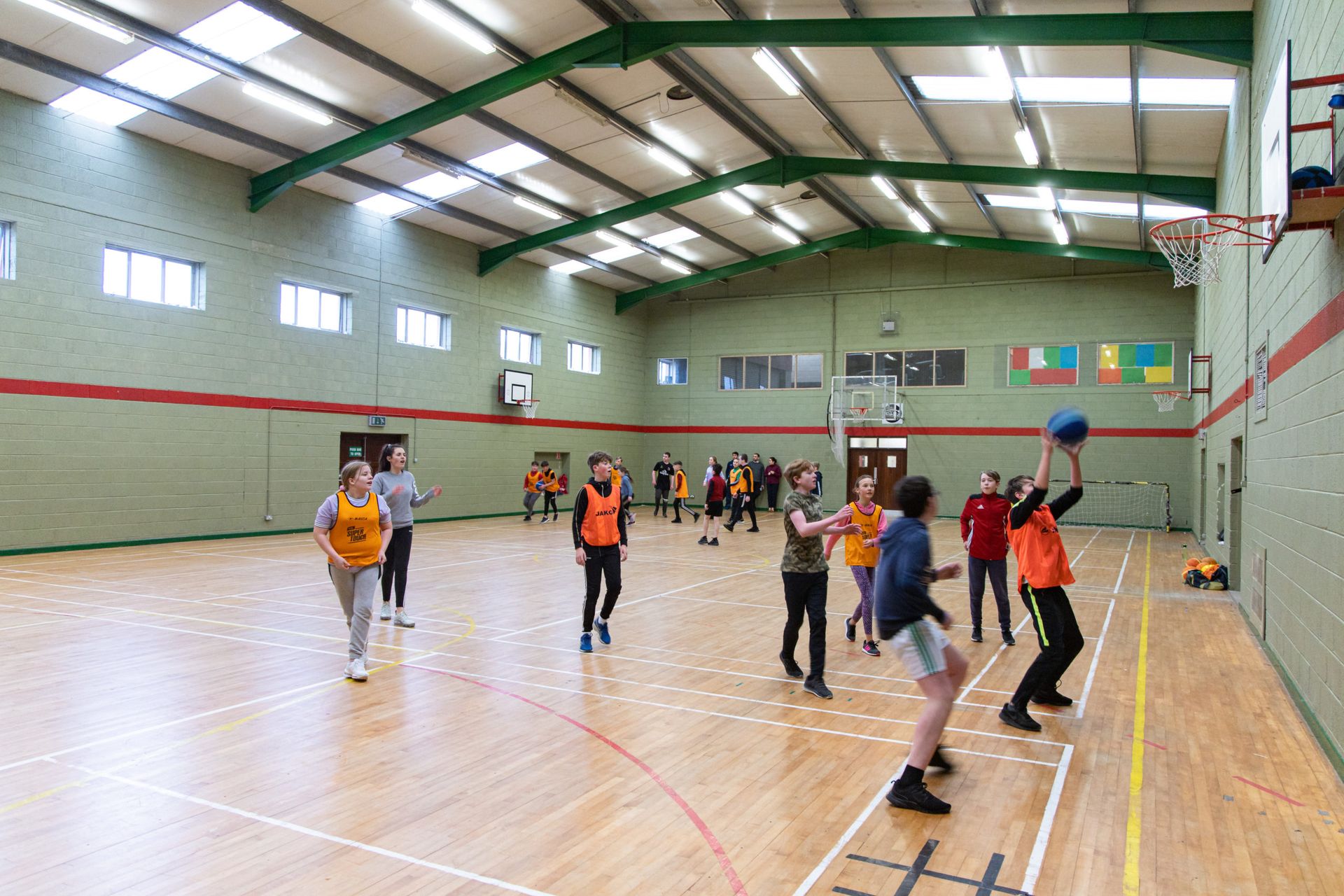
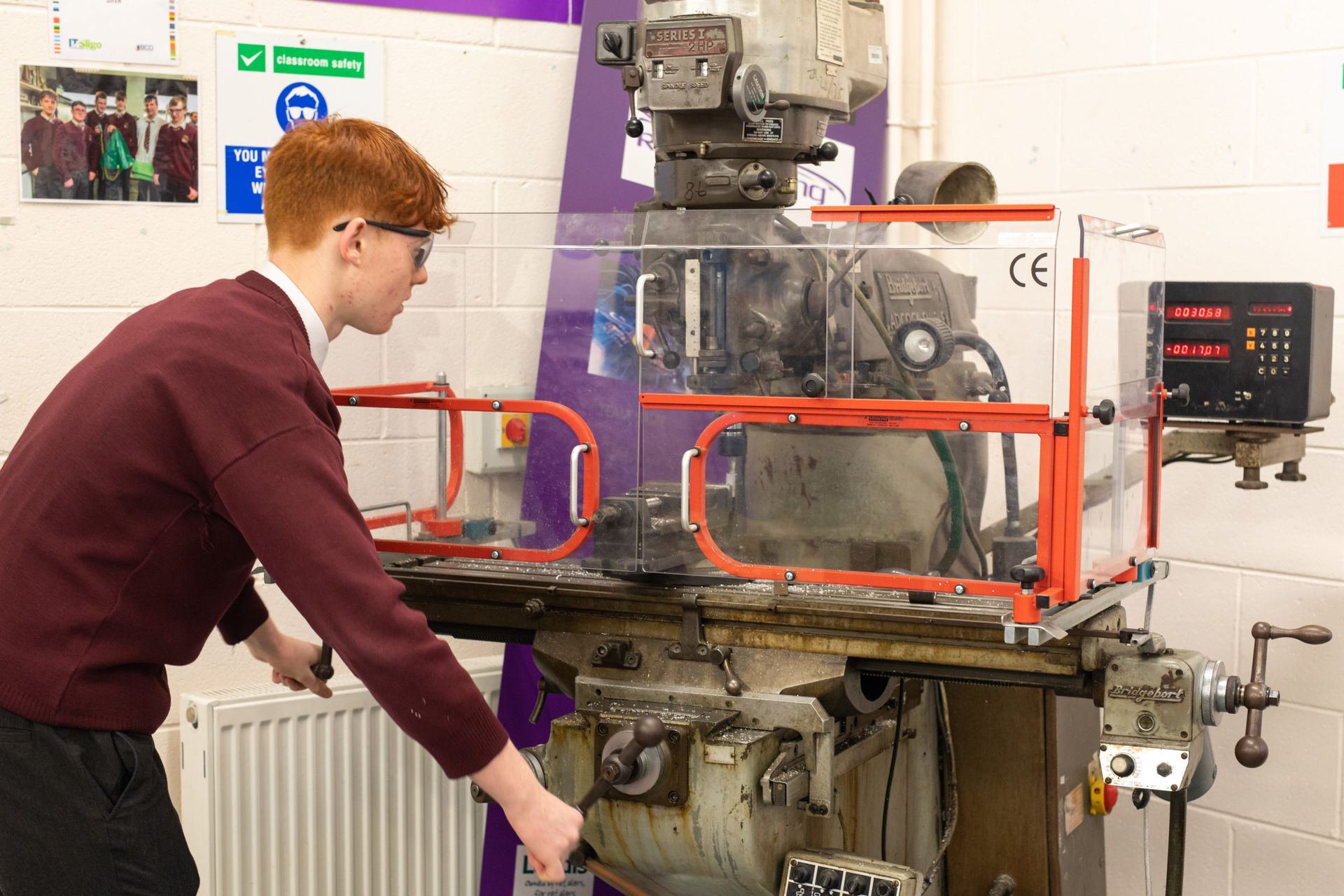
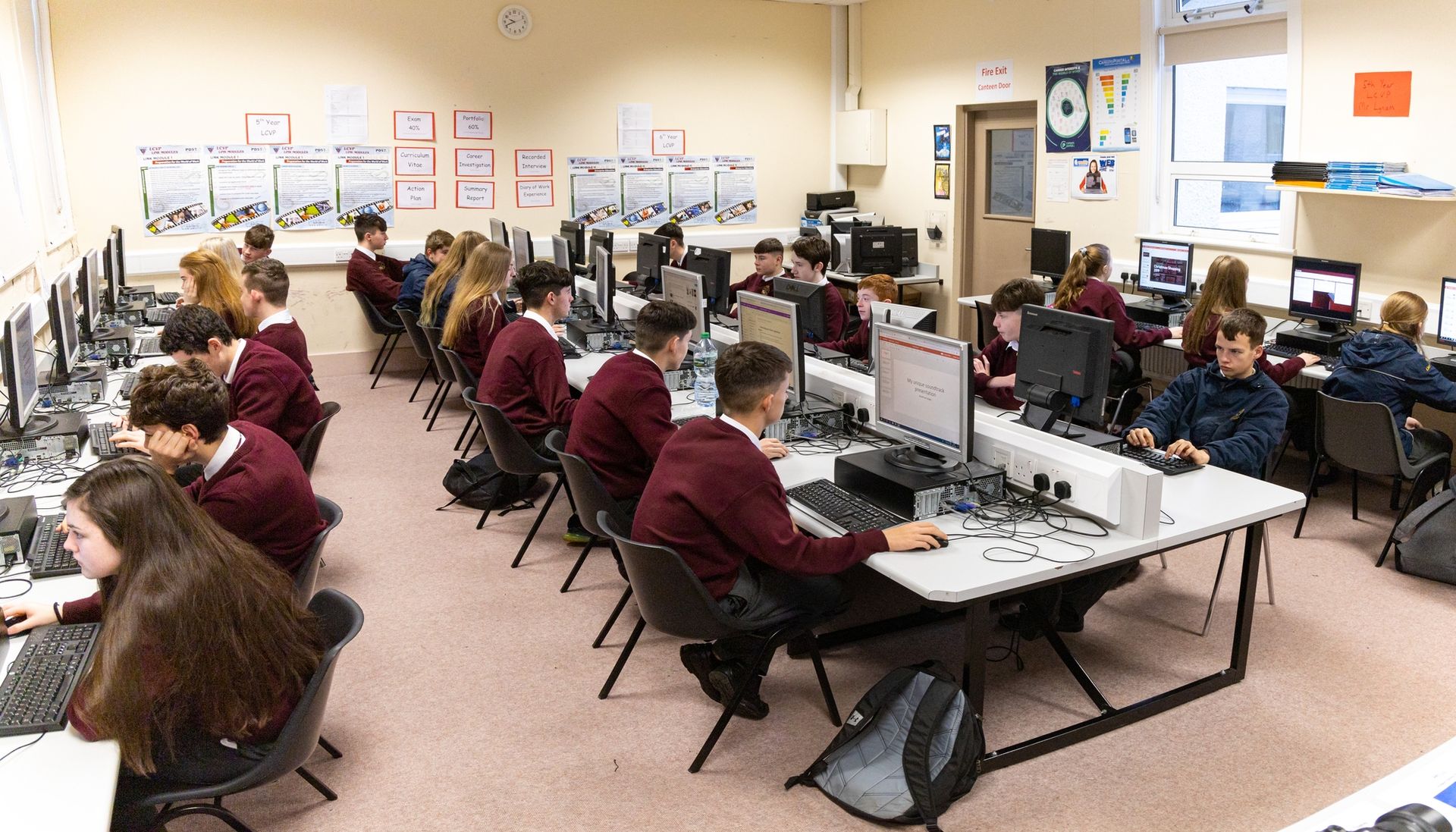

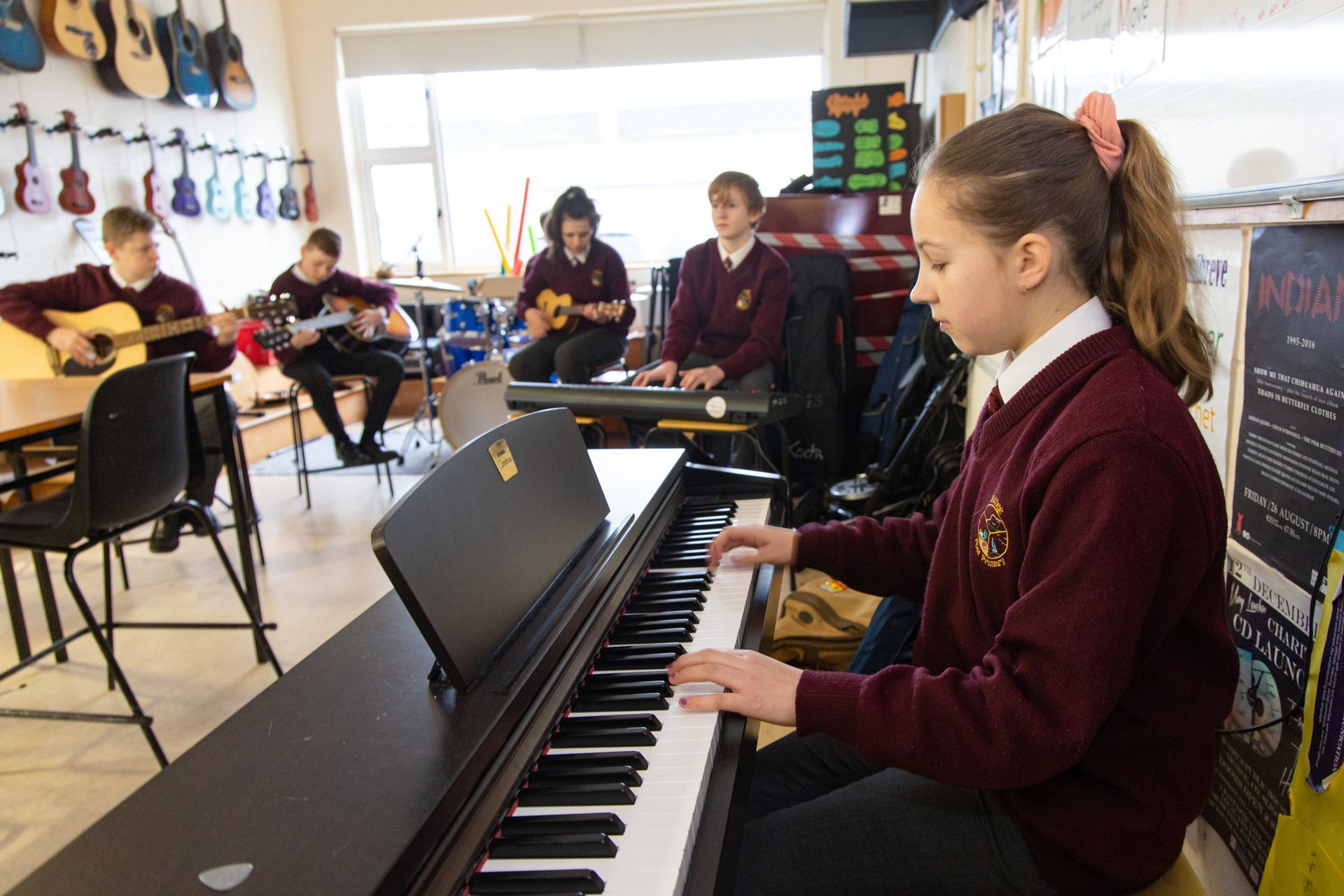
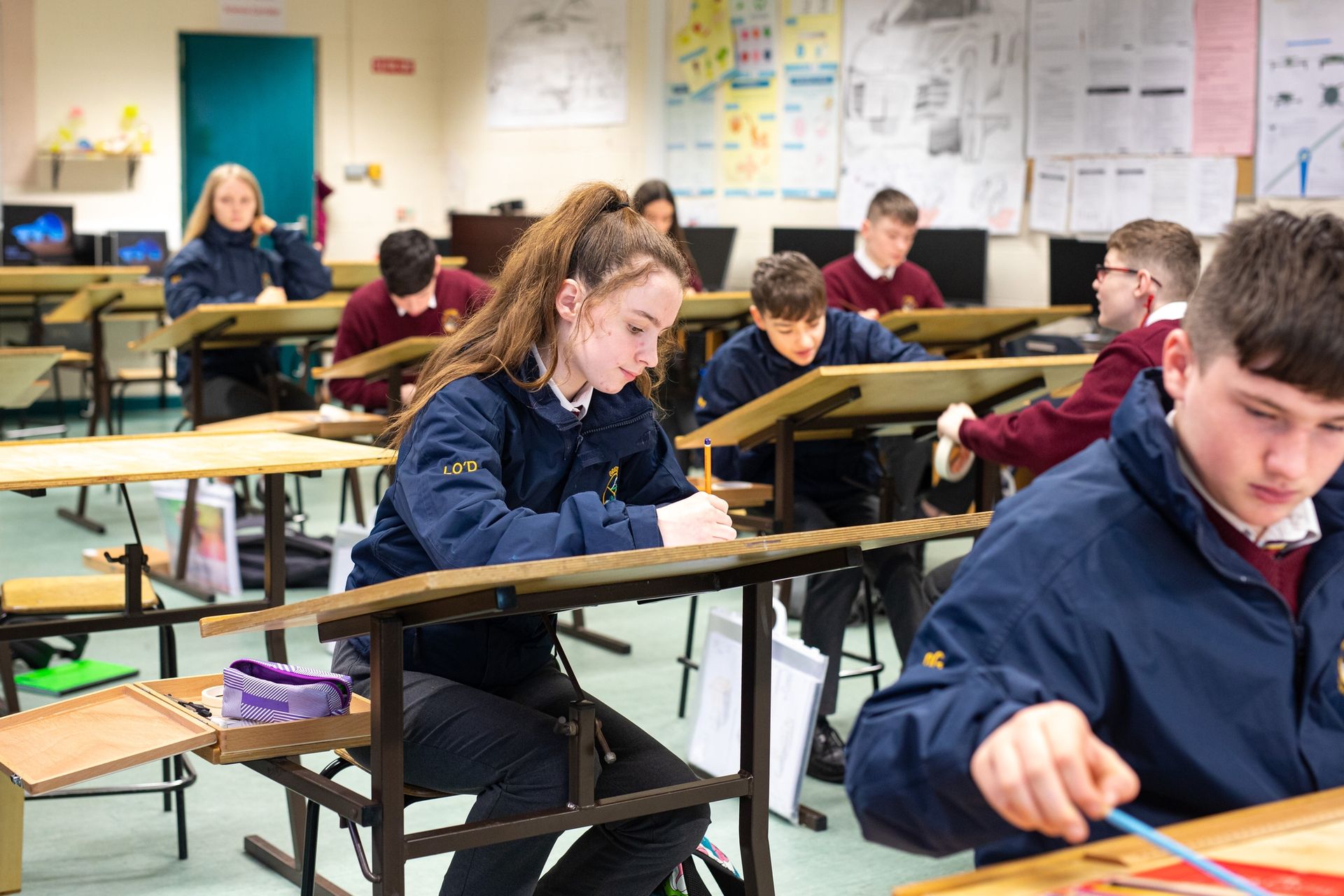
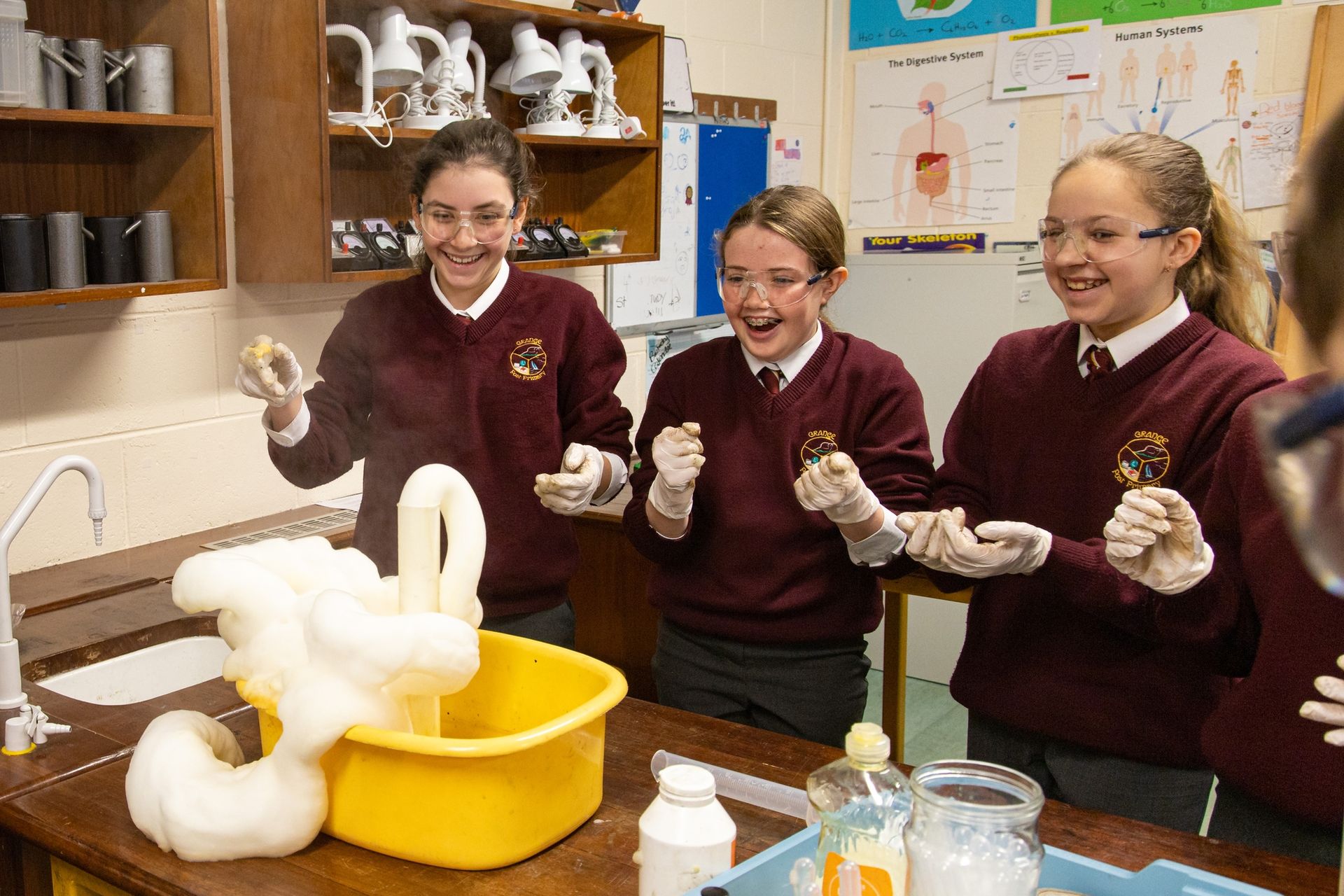
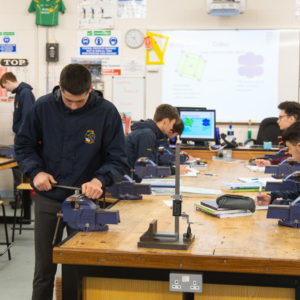
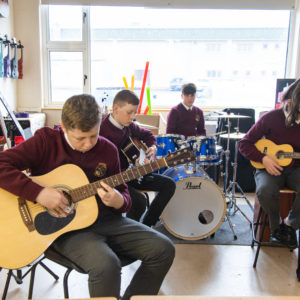
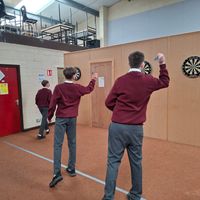
Grange Post Primary School is committed to creating an inclusive, respectful and student-centred environment where every young person is encouraged to reach their full potential.